 BlockTheNoise
Site blocker
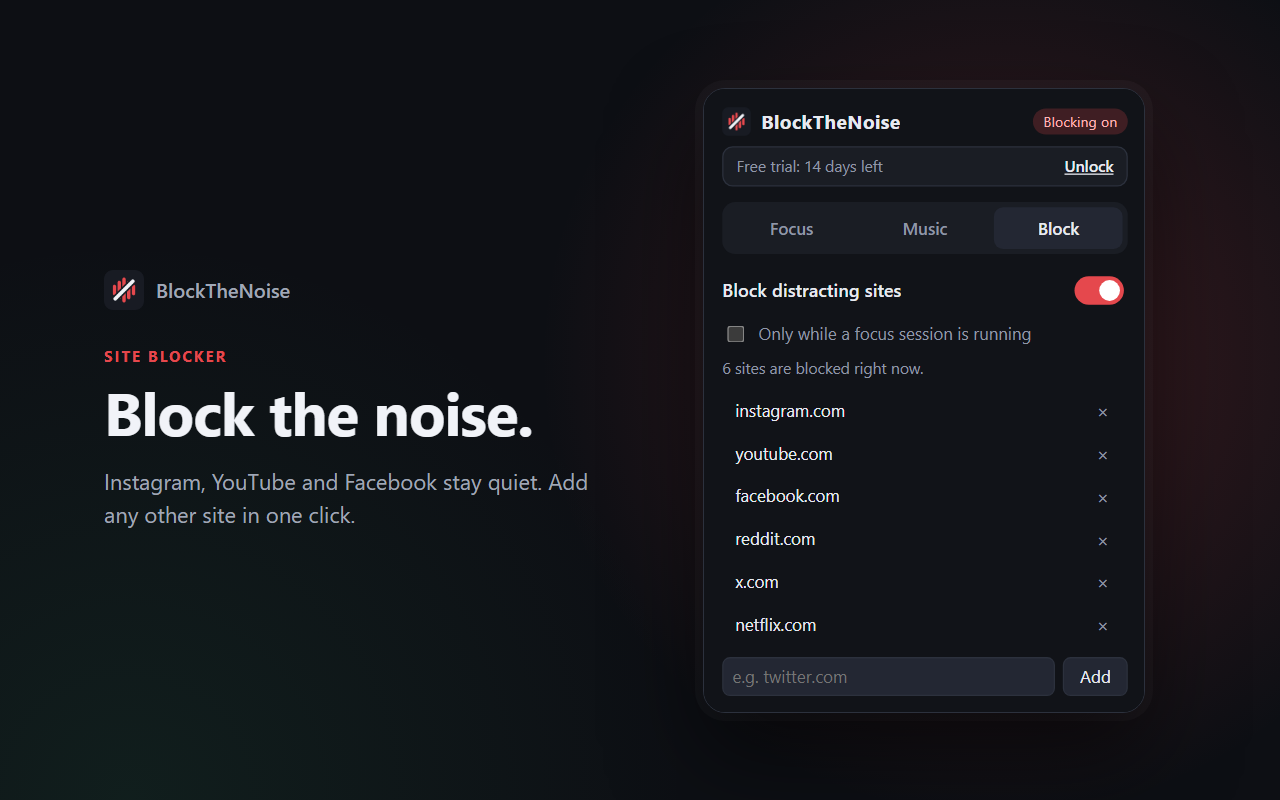
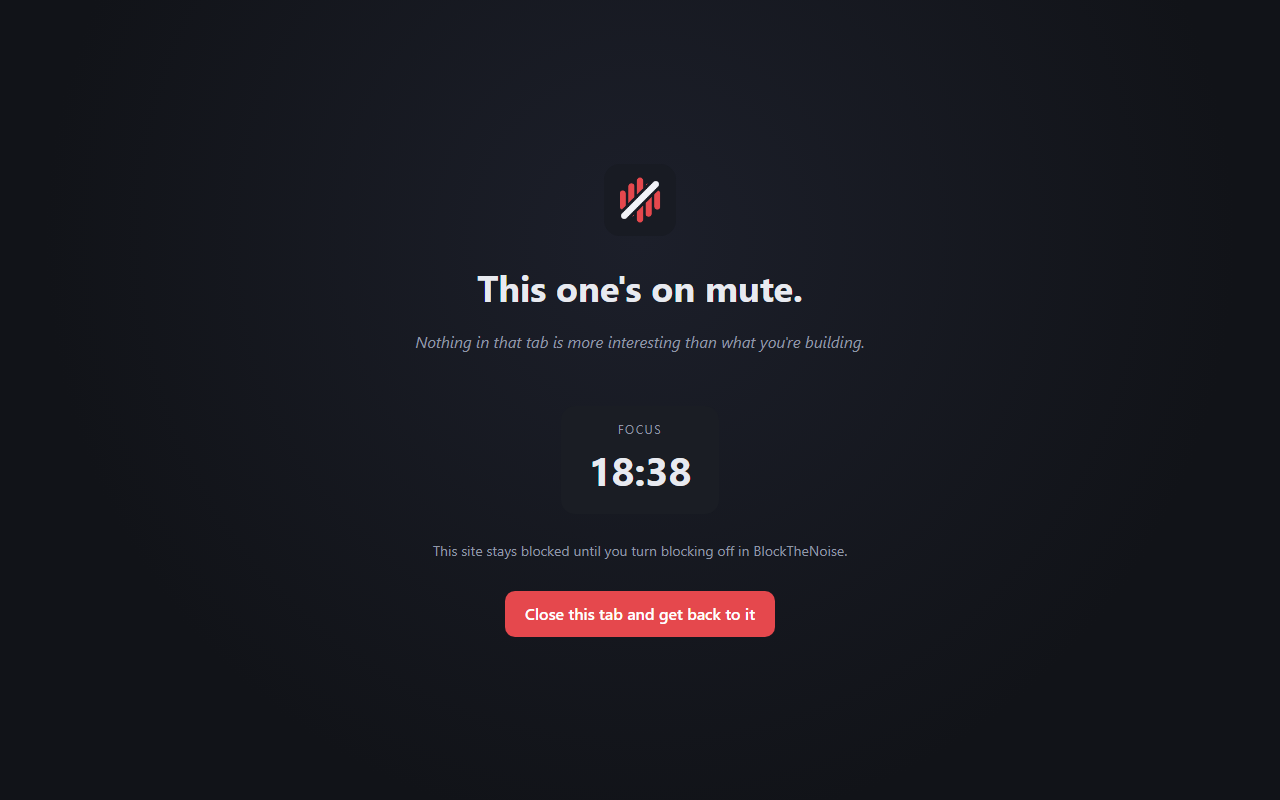
Instagram, YouTube and Facebook are blocked from the start.
- Add any other site in one click
- Block all the time, or only while you focus
- Catches tabs that are already open
Chrome extension
BlockTheNoise blocks distracting sites, times your focus sessions and plays music that keeps you in flow, all from one button in your toolbar.
Free for 14 days. No card, no sign-up. Then ₹800 once, no subscription.
Features
Start a focus session, and the feeds go quiet while the music keeps you going. Take a break, and it all eases off.
Instagram, YouTube and Facebook are blocked from the start.
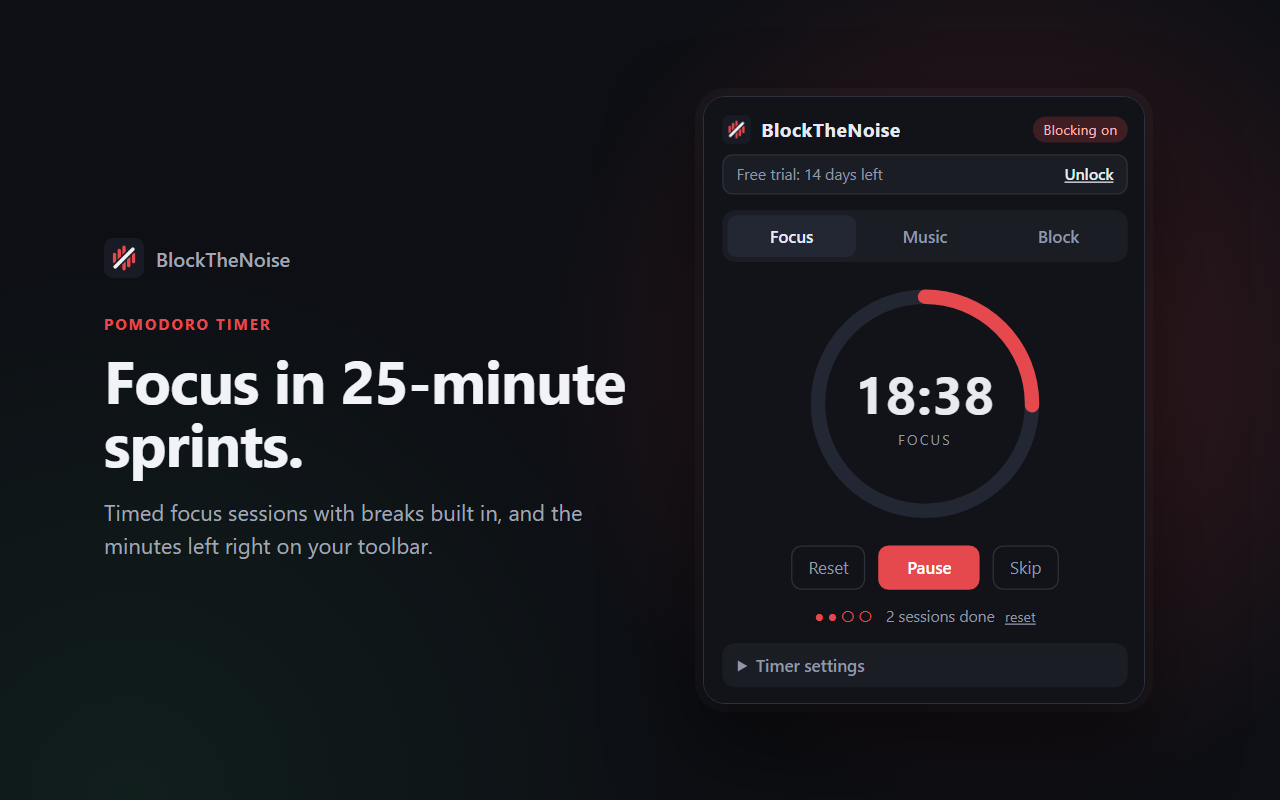
25-minute focus sessions with short breaks and a longer break after every four.
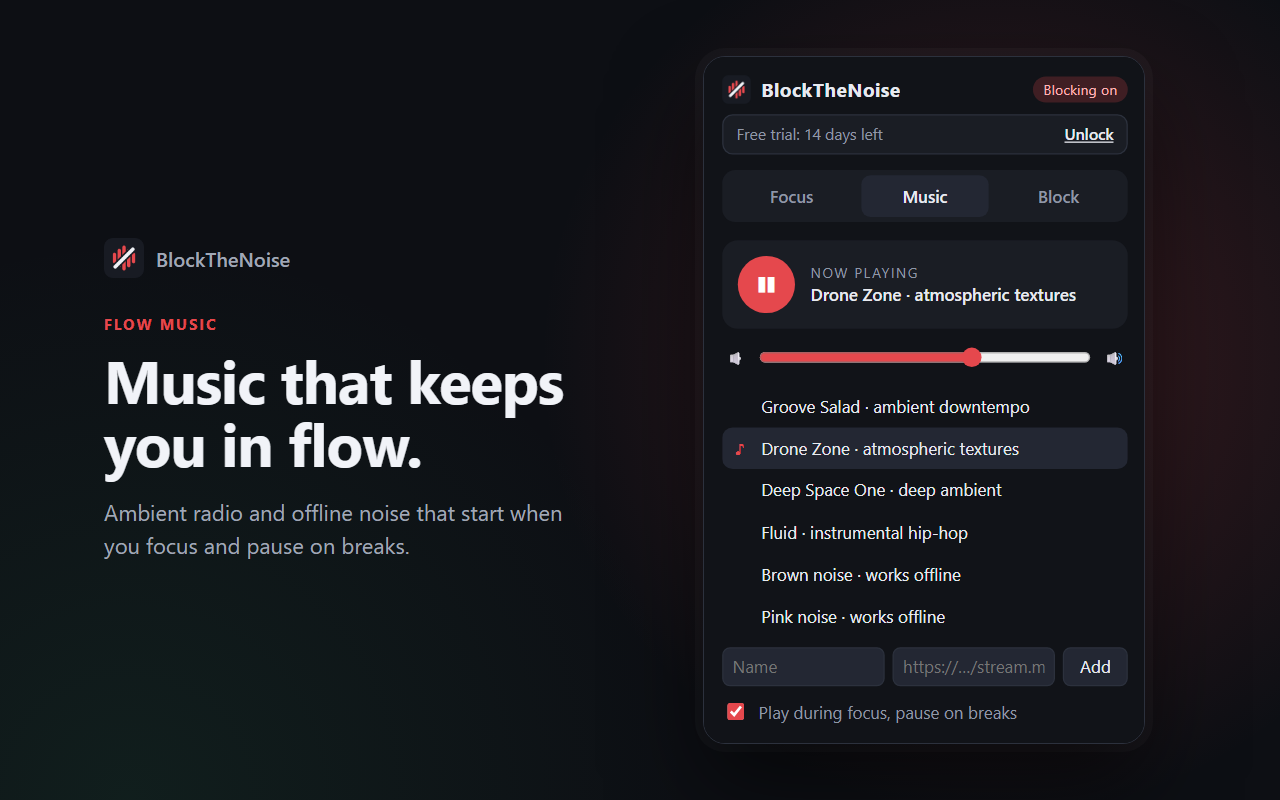
Ambient, downtempo and instrumental hip-hop radio, plus noise tracks that work offline.
A closer look
No feeds, no badges begging for attention. Just a timer, your music and a gentle nudge back to work when you wander.
Pricing
No subscription and no account. Every feature is included in the trial, so you'll know if it works for you before you pay anything.
Starts when you install. No card needed.
Keep BlockTheNoise after your trial.
FAQ
Blocking turns off and the timer and music stop. The popup shows a button to buy a license. Nothing is charged automatically, because you never enter a card for the trial.
Your license key arrives by email right after payment. Open the BlockTheNoise popup, click Unlock, paste the key and press Activate.
Payments are handled by Dodo Payments, our reseller and merchant of record. Your card or UPI details go to them, never to us or to the extension.
No. There are no analytics and no tracking. Your settings stay in your browser. The only thing sent anywhere is your license key, to check it with Dodo Payments. Read the privacy policy.
Google Chrome, plus browsers built on Chrome that can install from the Chrome Web Store, such as Microsoft Edge and Brave.
Yes. If BlockTheNoise isn't right for you, ask within 7 days of buying for a full refund. See the refund policy.